RF-Link Wireless Pairing Guide
FireHawk RF-Link devices can be radio linked (wirelessly) to smoke alarms (FHB10-RF), heat alarms (FHH10-RF), carbon monoxide alarms (CO10-RF), RF-Link–equipped mains smoke and heat alarms (fitted with the FHN600RF RF-Link module), and hearing-impaired control units (FHN800HIA).
Video Guide
Step by Step Instructions
1. Connect
-
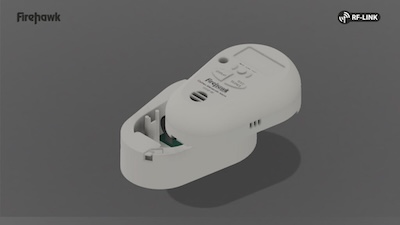
Plug the alarm into the pattress.
Switch on the radio base; the pattress LED should flash green twice per second. If it does not, complete step 6.0 to reset the device.
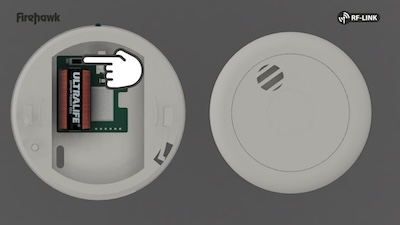
-
Secure the alarm wire.
Insert the alarm wire into the retaining slot.
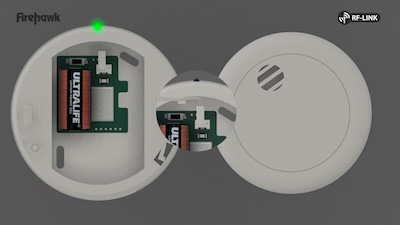
Important: If the wire is not secured in the retaining slot, it can interfere with the radio antenna.
2. Alarm Assembly
-
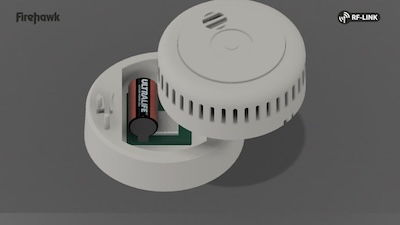
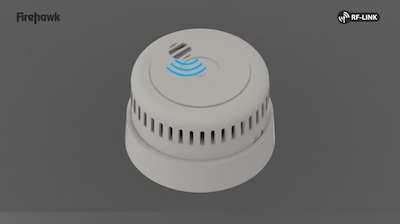
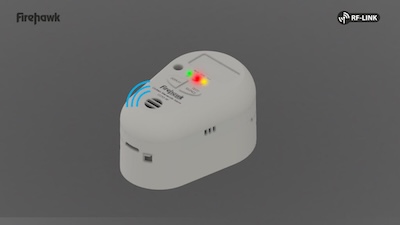
Attach the alarm to the radio base.
Bring the alarm and the radio base together, then twist or slide to lock them into place. The light will flash red, and the device will beep.
-
Repeat for all alarms.
Assemble each alarm in the system using the same procedure.
3. Device Linking
-
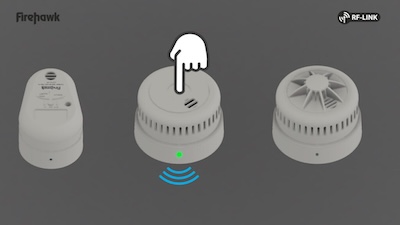
Start linking mode.
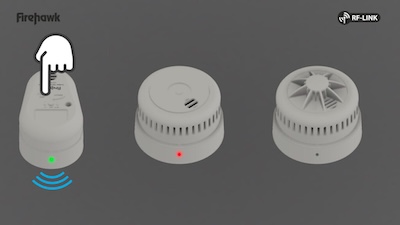
Press the test button on any assembled alarm. Its light will flash red and green.
-
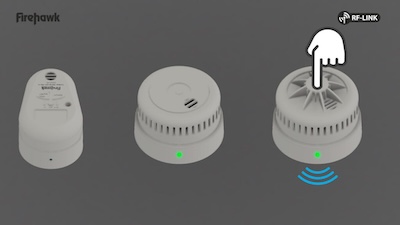
Put the next alarm into linking mode.
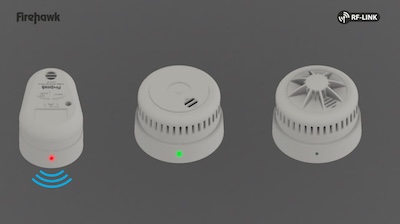
Press the test button on the next alarm. It will also flash red and green.
-
Wait for confirmation.
The alarm will beep and stop flashing. It is now linked.
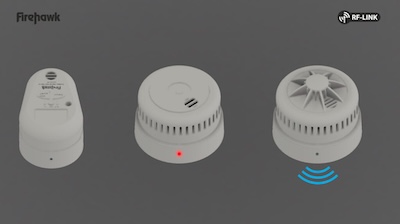
-
Link all remaining alarms.
Repeat steps 3.2 and 3.3 for each alarm to be added to the system.
-
Exit linking mode.
Wait 20 seconds, or press the test button on the first alarm. If pressed, the alarm will perform a test (see step 4.1).
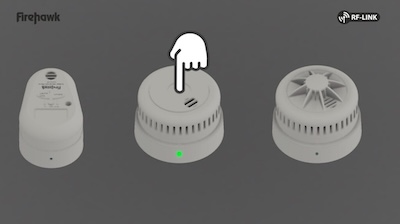
4. Linked Alarms Ready for Installation
-
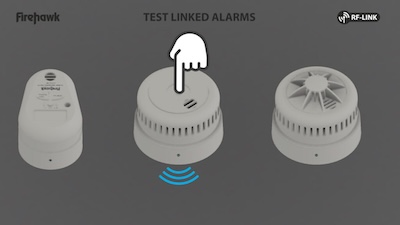
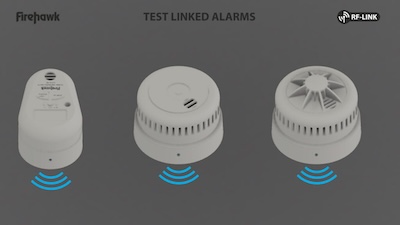
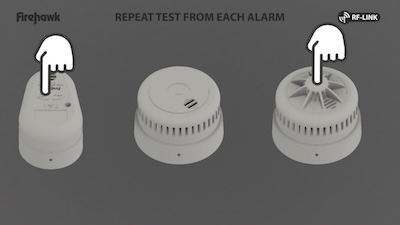
Test the full linked system.
Press the test button on any alarm and wait for each linked alarm to sound. Perform a test from each alarm in the system to ensure every alarm is successfully linked.
-
Install and retest.
Mount the alarms in their final locations and test again to ensure there are no radio range issues.
5. Linking Additional Alarms
-
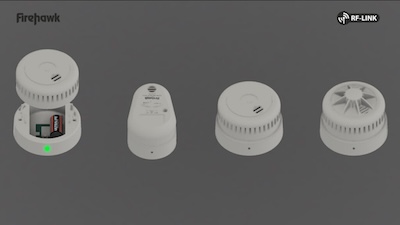
Before beginning, complete steps 1 and 2 for the new alarm.
-
Enter linking mode on an existing alarm.
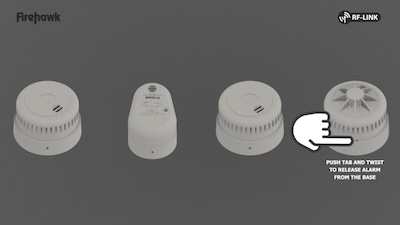
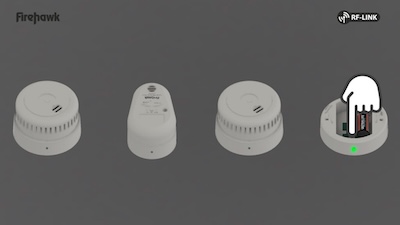
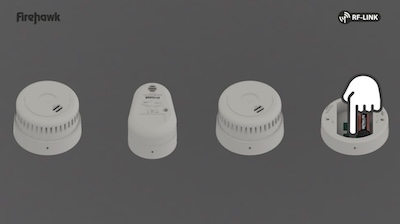
Open any already linked alarm and press the white RF button on the radio pattress. The LED will flash red and green.
-
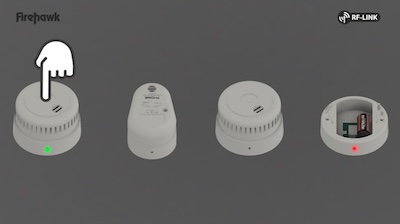
Put the new alarm into linking mode.
Press the test button on the new alarm. It will flash red and green.
-
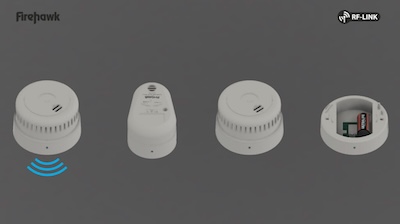
Wait for confirmation.
When the alarm beeps and stops flashing, it is linked.
-
Exit linking mode and reassemble.
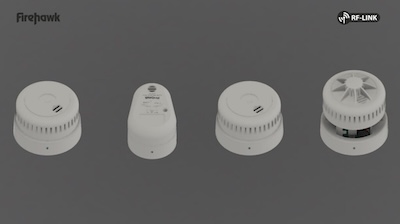
Press the white RF button again on the existing alarm to complete the linking process, then reassemble the alarm.
-
Re-test the system.
Ensure all alarms, including the new one, are properly interlinked.
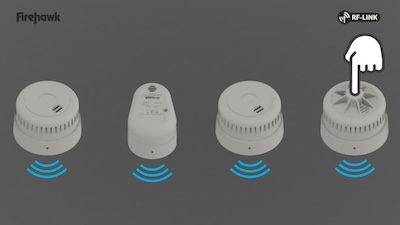
6. Your FireHawk Fire and CO Alarm System Is Now RF-Linked
7. Device Reset
-
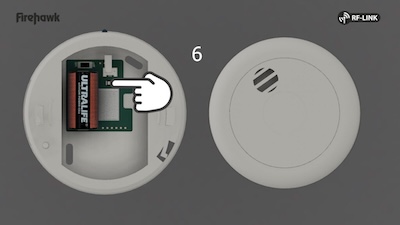
Reset via an existing alarm.
Open any already linked alarm and press the white RF button to enter linking mode. The LED will flash red and green as described in step 3.1.
Our articles are reviewed regularly. However, any changes made to standards or legislation following the review date will not have been considered. Please note that we provide abridged, easy-to-understand guidance. To make detailed decisions about your fire safety provisions, you might require further advice or need to consult the full standards and legislation.
Doc: 390 | Last Updated at: 2025-12-05 07:16:52